Budgeting
Budgeting Apps vs Spreadsheets: Which One Should You Actually Use?
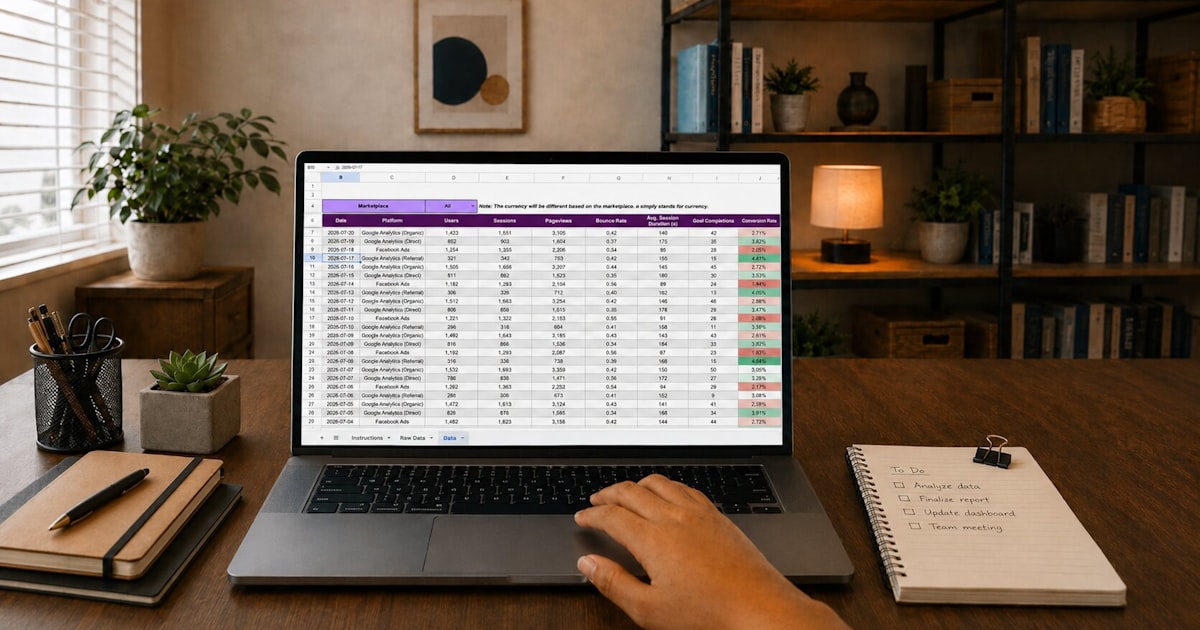
Budgeting apps and spreadsheets solve the same underlying problem in different ways, and picking between them matters less than most comparisons suggest — both formats work, and both fail for predictable, well-known reasons. The right choice depends on how a specific person actually likes to interact with their own numbers.
What Budgeting Apps Do Well
Apps that connect directly to bank and card accounts pull in transactions automatically, which removes the manual entry step entirely. For someone who won't reliably sit down and log purchases by hand, that automation is often the difference between a budget that gets maintained and one that doesn't.
Apps also tend to offer built-in visualizations — spending trends over time, category breakdowns, alerts when a category is running over — without requiring any setup work.
Where Budgeting Apps Struggle
Automatic categorization is convenient but imperfect. A single purchase at a store that sells groceries, household goods, and electronics can get filed under any of several categories depending on the app's logic, and those misfiles quietly distort totals unless someone reviews and corrects them regularly — which defeats some of the "no manual work" appeal.
Bank connections can also break, silently, at inconvenient moments — an expired login, a bank-side security update — leaving gaps in the data that go unnoticed until someone checks. And most full-featured apps run on a subscription, turning a tool meant to save money into a recurring cost of its own.
What Spreadsheets Do Well
A spreadsheet puts every formula, category, and calculation in plain view — nothing is a black box. That transparency makes it easy to understand exactly why a total looks the way it does, and just as easy to adjust a category or formula when something doesn't fit.
There's also no recurring cost and no dependency on a bank connection staying alive. A well-built spreadsheet works the same way in month twelve as it did in month one, and it's fully customizable — new categories, new tabs, new goals can be added without waiting on a software update.
Where Spreadsheets Struggle
The obvious one: manual entry. Every transaction has to be logged by hand (or imported via a bank export, which is a middle ground some spreadsheet tools support). For someone who won't do that consistently, a spreadsheet's accuracy depends entirely on a habit that may not hold up.
A spreadsheet built from scratch also has a real setup cost — formulas, formatting, and categories all have to be built before it's usable, which is exactly the barrier that stops a lot of people before they start. This is less true of a spreadsheet-based tool that ships with the formulas and categories already built, which removes the setup step while keeping the transparency and lack of subscription.
The Real Difference Isn't the Format, It's the Habit It Supports
Both an app and a spreadsheet can produce an accurate, maintained budget. Both can also end up abandoned. What actually determines the outcome is whether the format matches how a specific person is willing to interact with their money on a weekly basis.
Someone who wants to glance at a dashboard and trust the automation is usually better served by an app, misfiled categories and all — the convenience outweighs the occasional correction. Someone who wants to understand exactly where every number comes from, and doesn't want a recurring cost attached to a personal budget, is usually better served by a spreadsheet — especially one that's already built rather than started from a blank grid.
Questions Worth Asking Before Choosing
- Will I actually log transactions by hand, regularly, or do I need automatic bank syncing to keep this going?
- Do I want to see and understand every formula, or do I trust a dashboard's summary?
- Is a recurring subscription acceptable for this, or does it need to be a one-time cost?
- How much do I want to customize categories as my situation changes?
There's no universally correct answer. There's an answer that matches how a specific person actually manages the rest of their life — with detailed manual systems, or with automated tools they check periodically — and that same pattern usually holds for budgeting too.
If a spreadsheet-based system with categories, a debt payoff tracker, and a savings tracker already built appeals more than starting from a blank sheet or paying a monthly app fee, MoneyMap is built exactly for that middle ground — full transparency, no subscription, nothing to set up from scratch.
Frequently asked questions
Is a spreadsheet harder to use than an app?
Not inherently — a well-built spreadsheet with categories and formulas already set up is just as easy to use day-to-day as an app. The learning curve people associate with spreadsheets is really about building one from scratch, not using a finished one.
Do budgeting apps automatically categorize spending accurately?
Often close, rarely perfect. Auto-categorization tends to misfile purchases from stores that sell multiple types of goods, and those misfiled transactions quietly distort category totals unless reviewed.
Is it worth paying a subscription for a budgeting app?
It depends on what the subscription buys — real bank-sync automation is worth something to people who won't otherwise track consistently. For anyone comfortable with a five-minute weekly update, a one-time spreadsheet tool delivers most of the same value without a recurring cost.
Can I switch from an app to a spreadsheet, or vice versa, without losing progress?
Category totals and historical trends don't transfer automatically, but the underlying habit does. Most people who switch formats keep their budgeting habit intact even though the specific tool changed.
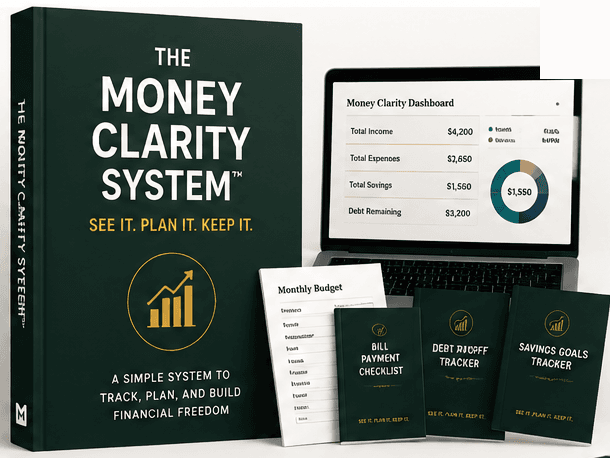
The Money Clarity System™
Ready to actually track it, not just read about it?
The full guide, dashboard, planner, challenges, and bonuses — one payment, lifetime access.
Related articles

Budgeting
How to Create a Monthly Budget (That Fits Your Actual Paycheck)
A monthly budget only works if it matches how income actually arrives — not a single averaged total that ignores the timing of real paychecks and real bills.
4 min read
Expense Tracking
How to Track Your Expenses (And Actually Keep Doing It)
Most expense tracking attempts fail within a few weeks, not because the concept is hard, but because the method chosen was more effort than the person was willing to sustain.
3 min read

Financial Goals
How to Build a Money Management Routine You'll Actually Keep
A money management routine works best as layers — small daily habits, a slightly bigger weekly check-in, and a broader monthly review — each doing a different job.
3 min read

Budgeting
Common Budgeting Mistakes (And What to Do Instead)
Most abandoned budgets fail for a small, repeatable set of reasons — not a lack of discipline. Recognizing them ahead of time is most of the fix.
4 min read